
01
Normalize mixed source photos
Bring portraits from different sources into one consistent hand-drawn style.
Upload a photo you like and generate a black-and-white hand-drawn avatar with an artistic touch.
We apply a fixed hand-drawn style and you can optionally add extra notes.
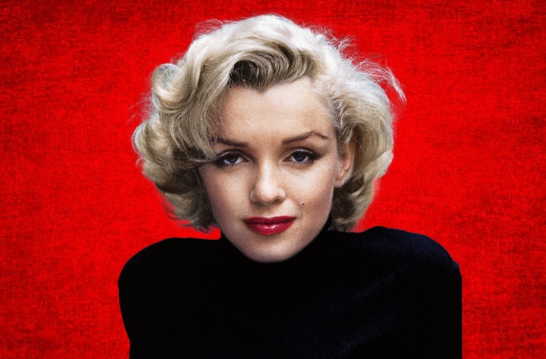
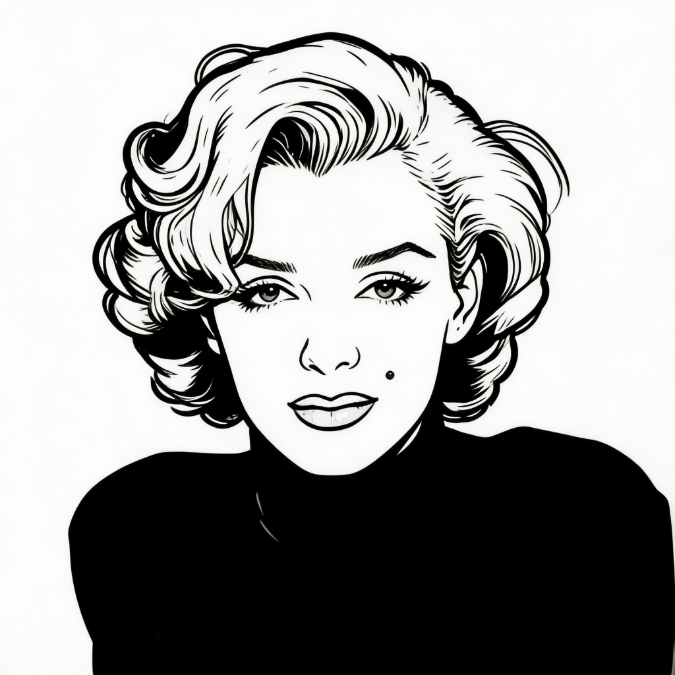
Limited-time discounts. Choose the pack that fits your workflow.
≈ 60 standard images (1 credit each)
Best for a quick AI avatar test.Includes
≈ 4200 standard images (1 credit each)
Most popular pack.Includes
≈ 15000 standard images (1 credit each)
Great for power users.Includes
Best For
This workflow is ideal when you need clean, repeatable output without manual redraw loops.
Bring portraits from different sources into one consistent hand-drawn style.
Keep staff avatars visually aligned for a more professional team section.
Get first-pass avatars much faster than manual redraw workflows.
Use AI output as baseline, then refine specific details in the builder.
Apply generated avatars to site pages, docs, social, and campaign assets.
Prioritizes readable silhouette and clean line output for production use.
Use good input, pick the best variant, then reuse with consistent rules.
Front-facing images with stable lighting usually produce cleaner lines.
Create a first pass quickly and choose the variant that fits the target page.
Apply selected avatars across team, profile, and social surfaces.
FAQ
Know the input requirements, output expectations, and how to extend results.
Run 1-2 representative photos first, then scale to larger batches.
Upload a portrait and generate minimalist hand-drawn avatar results suitable for profile photos, team pages, resumes, and personal branding.
Clear lighting and a visible front-facing face improve line clarity and final avatar quality.
The generator focuses on clean contrast, readable silhouettes, and a stable hand-drawn aesthetic.
Start with AI conversion, then refine through builder components or template references.
Start
Start with a usable result first, then refine details only where needed.