
01
No drawing required
Create avatars through component selection instead of manual illustration.
Select poses, faces, hair, outfits, and accessories to create your own hand-drawn avatar.

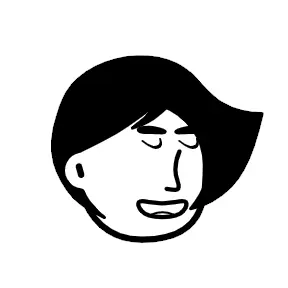
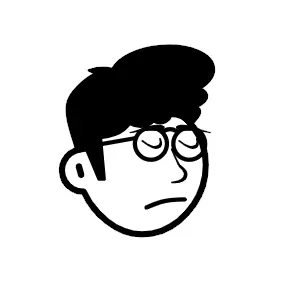
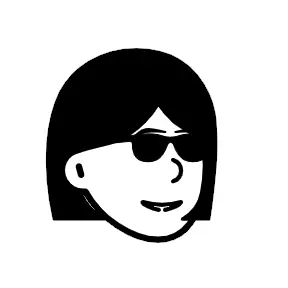
Compose a unique avatar by layering hand-drawn parts.
What It Solves
Compared with ready-made templates, the builder is better for iterative teams that need consistent visual output.
Create avatars through component selection instead of manual illustration.
Adjust hairstyle, expression, outfit, and accessories independently.
Generate multiple character options quickly for review and comparison.
Update only the required parts when requirements change.
Start from a library reference and refine details in the builder.
Reuse the same character system across site pages, app UI, and campaigns.
Define structure first, refine details second, then export a consistent result.
Choose overall composition before editing face-level details.
Pick head shape, hair, and expression that fit the character role.
Use styling elements to communicate role and context.
Use the avatar directly or keep it as a template for future variations.
FAQ
Clear answers about control, speed, and when to use each workflow.
If you need a quick baseline, start in the template library and refine here.
Build unique characters by mixing pose, face, hair, outfit, and accessories while preserving a consistent hand-drawn style.
You can create many usable avatar variants quickly without redrawing characters from scratch.
Exported avatars work well in onboarding flows, feature explainers, team blocks, and social materials.
Use the three workflows together to balance quality, speed, and customization depth.
Start Building
Build a baseline quickly, then refine only the details that matter for your use case.